



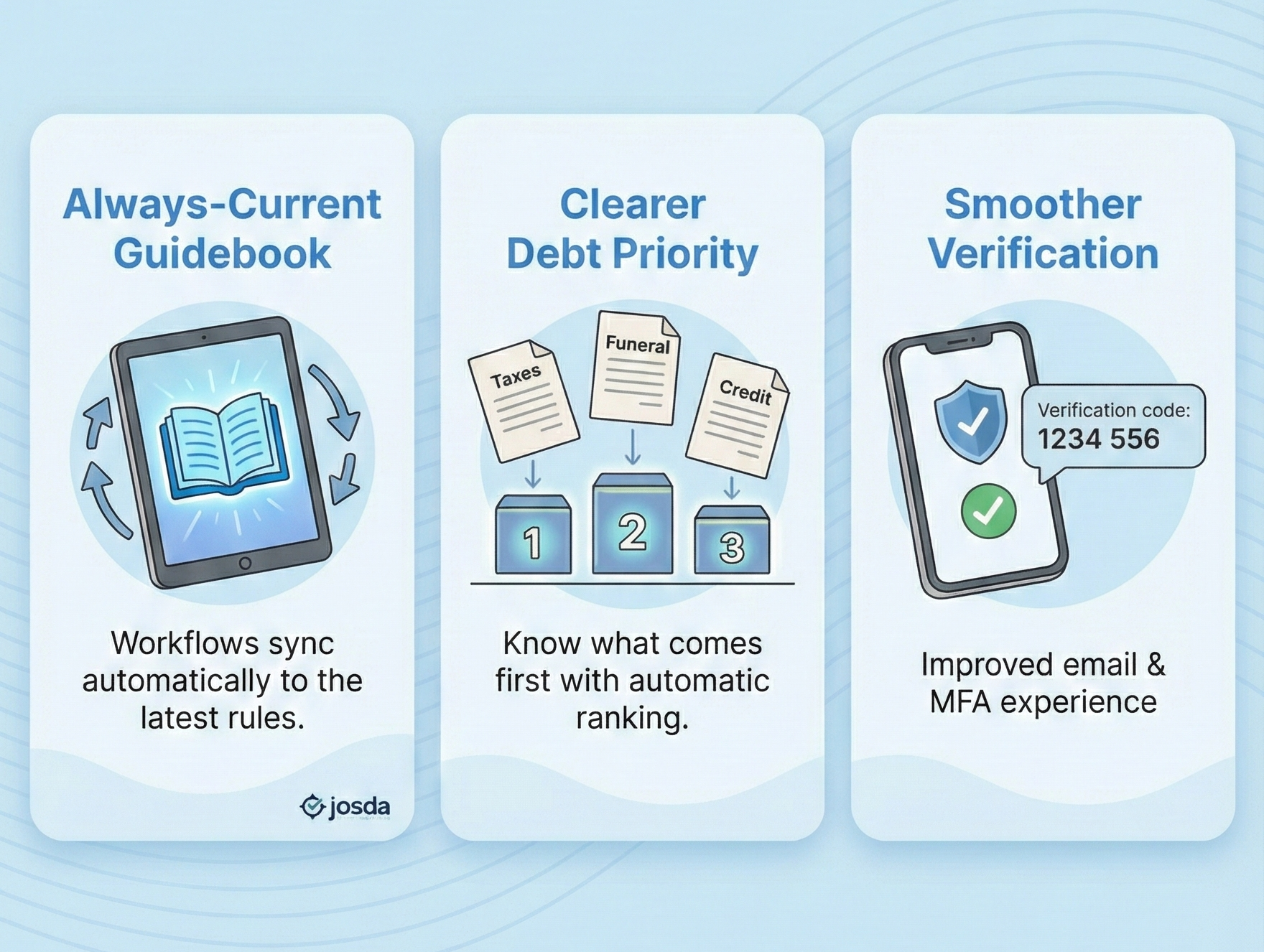
We’ve rolled out a new Josda application release focused on three things: keeping your task guidance automatically up to date, making it easier to understand which debts usually come first, and smoothing out email and text-code (MFA) verification so you can sign in and get work done with less friction.
Whether you’re using Josda for your own family or you’re a funeral home, attorney, or advisor helping families through the process, these improvements are included automatically in every active account. You do not need to change anything about how you use or offer the software.
1) Workflow tasks now stay in sync automatically
Behind the scenes, we introduced a new workflow “ruleset” engine. In plain English, that means your guidance can now stay current without you having to think about it.
Here’s what that looks like in practice:
- When we publish updated guidance or improve task wording, your open tasks and phases can now be upgraded automatically to the latest version.
- You may occasionally see a small in-app notice like “Updating workflow tasks” while Josda aligns your estate’s tasks with the most recent guidance.
- Your data, notes, and documents stay attached. This is about smarter guidance, not starting over.
The goal is simple: you shouldn’t have to wonder whether you’re working from the latest playbook. Josda now does more of that work for you.
2) Smarter debt priority handling (less guesswork, better ordering)
We’ve improved how debts are handled so you can focus on decisions, not sorting.
Debt priority matters because paying the wrong obligation too early can create headaches later—especially when the order is influenced by statutes, court rules, or attorney guidance. This update is designed to reduce the “what comes first?” uncertainty and give you a clearer view of what typically needs attention sooner.
What’s new:
- When you classify a debt (for example as Funeral and Burial Expenses or Federal or State Tax Obligations), Josda now automatically assigns a priority level based on typical statutory order.
- The Priority column in the Debts list uses that ranking so you can see, at a glance, which obligations generally come first.
- We refined the debt dialog layout and added a dedicated notes area so you can capture context, attorney advice, or court-specific rules in one place.
- The empty-state view is clearer when no debts are entered, so you know exactly what to do next.
This is part of our ongoing work to help you avoid paying the wrong debts too early and to give you a more realistic picture of what truly must be handled first.
3) Clearer asset and expense dialogs
We also made a set of quality-of-life improvements around assets and reimbursable expenses. These are small changes, but they add up to fewer clicks, fewer errors, and better documentation—especially when multiple people are collaborating or when records may be reviewed later.
Updates include:
- A refined Asset dialog layout so Name and Type sit together, with clearer help text and examples for each asset category.
- The main asset amount is now labeled Initial Value, so it’s clearer this is your working starting point for planning, not a final appraisal.
- The Estimated Liquidation Cost (%) field now includes a help tooltip explaining what belongs there (commissions, legal fees, taxes, and other costs).
- The Reimbursable Expense dialog has been redesigned for a smoother “add, review, and save” flow.
4) Better email + MFA experience (fewer “where’s my code?” moments)
Login and verification are stressful enough. We’ve worked to make them less so by improving deliverability and making error states clearer.
What changed:
- Verification and support emails now come from a consistent identity: “Josda Support” using the noreply.josda.ai mail-from domain.
This improves deliverability and reduces the chance messages get flagged as spam. - We tightened up error messages for SMS verification codes:
- Clear language when a code is invalid, expired, or the session has timed out.
- More visible in-app alerts so you know exactly what went wrong and what to do next.
- Email verification pages now better recognize “wrong code,” “expired code,” and “already confirmed” states and show user-friendly explanations instead of obscure error strings.
The intent here is straightforward: less confusion, less back-and-forth, and fewer blocked sign-ins when someone is just trying to move the estate forward.
5) Performance and reliability improvements under the hood
We also made infrastructure updates that you won’t see directly, but you should feel—especially on larger or more complex estates.
Highlights:
- New indexes on task and subtask tables to speed up loading phases, tasks, and checklists.
- Ruleset tracking on each estate so Josda can reliably tell whether your workflow is on the latest guidance and upgrade it safely.
- Expanded automated test coverage around ruleset versions, debt handling, and workflow endpoints to make future updates safer and more predictable.
These changes help keep Josda fast and reliable as we grow.
Need a quick walkthrough?
If you have questions about any of these changes, or would like a live walk through of the changes, contact us at support@josda.ai. Your feedback is what tells us where to sharpen the guidance and smooth out the rough edges.


.svg)
.svg)
.svg)
.svg)